
Related terms
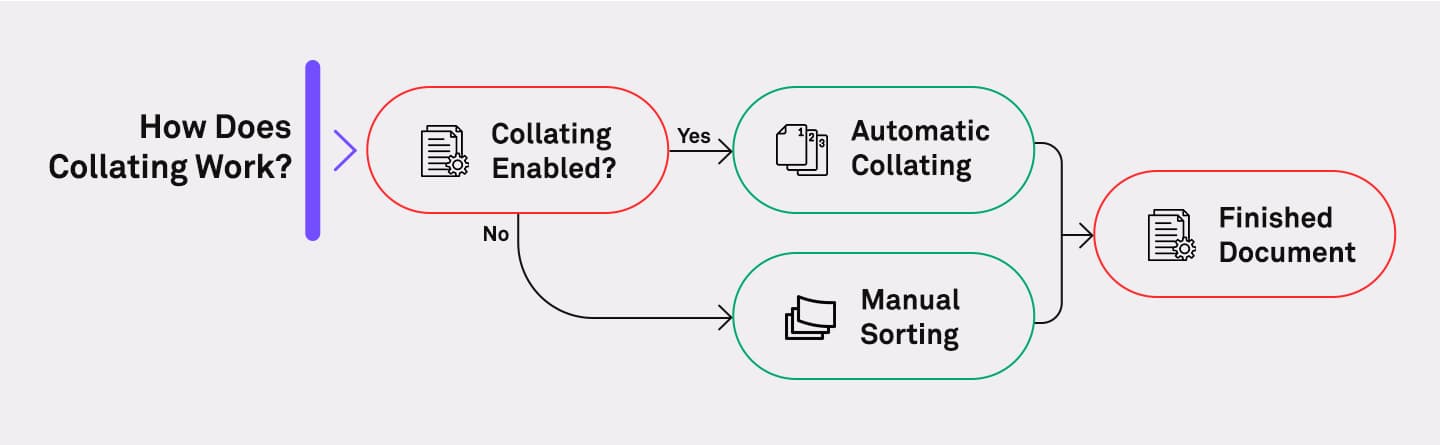
How does collating work?
When collating is enabled, the printer organizes the output so that each copy of a multi-page document is printed in order. Without collating, the printer would print all copies of page 1 first, then all copies of page 2, and so on — requiring manual sorting afterward, which would not be an ideal step in your production process.
For example, Ricoh’s IM C400F Color Multifunction Printer includes automatic collating as part of its finishing options. It allows users to print multiple sets of documents in the correct order without manual intervention.
Related solutions
Further insights
 Articles
Modernizing print with cloud printing
Cloud printing and print management are the future of business. See how companies are successfully modernizing their print infrastructure.
 Articles
A look at printing and its real costs
Printing costs can go far beyond paper and toner. In this article, we look at how to reduce waste, improve security and find hidden savings.
 Articles
When to upgrade your older, legacy printer
We look at 5 reasons why now is the best time to upgrade your older printer or MFP, additional considerations, and the benefits of doing so.