
Related terms
Types of print drivers
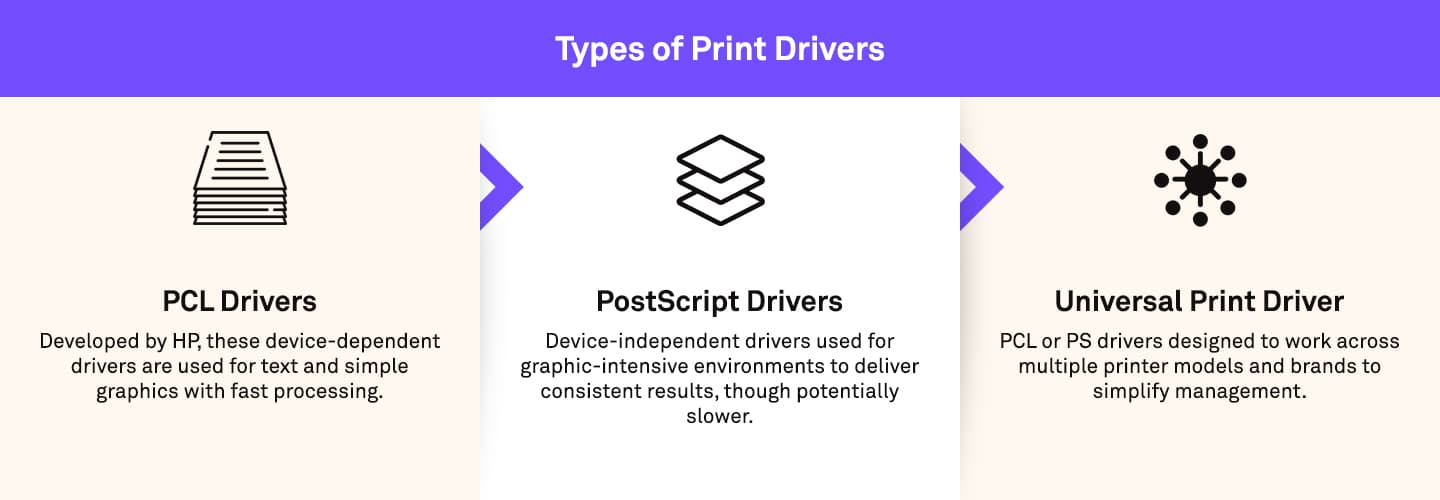
There are three common categories of print drivers:
PCL (Printer Control Language): Developed by HP and adopted as a standard by all printer manufacturers, PCL drivers are device-dependent and commonly used for text and simple graphics. They offer fast processing but may produce slightly different results across devices.
PostScript (PS): Often used in more graphically-intensive print environments like publishing and graphic design, PS drivers are device-independent and enable greater influence on printer output to deliver more consistent results. However, since they are made to process graphic applications, they can be slower than PCL drivers for standard print jobs.
Universal print driver: A universal print driver (UPD) are PCL or PS drivers designed to work across multiple printer models and/or brands. It simplifies driver management in large organizations but may not support all advanced features of specific devices. Manufacturer specific UPDs offer one driver to print to multiple devices, including their advanced features, rather than needing multiple device-specific drivers.
Driverless printing
Driverless printing uses formats like PDF, XPS, or PWG raster which are truly universally supported printer languages. For example, Microsoft "Windows Ready Print" uses the IPP Class driver or MS Universal Print Class driver that are not PS or PCL drivers. The challenge presented by this driverless printing, however, potentially limits device-specific features, which manufacturers like Ricoh are addressing.
Applications like the RICOH Print Support Application run the 64-bit version of Windows, as well as Windows on ARM, and works with Windows Protected Print Mode (WPP). This enables functionality including finishing like stapling, hole-punching, multi-folding and other accessories that come with Ricoh devices.
Related solutions
Further insights
 Articles
Modernizing print with cloud printing
Cloud printing and print management are the future of business. See how companies are successfully modernizing their print infrastructure.
 Articles
A look at printing and its real costs
Printing costs can go far beyond paper and toner. In this article, we look at how to reduce waste, improve security and find hidden savings.
 Articles
When to upgrade your older, legacy printer
We look at 5 reasons why now is the best time to upgrade your older printer or MFP, additional considerations, and the benefits of doing so.